What Is Bader Tool
Bader Tool is a third-party Android service and unlocking tool commonly mentioned in GSM repair and phone unlocking communities. It is mainly used for bypassing security restrictions on Android devices, such as Google FRP (Factory Reset Protection) locks, screen locks, and certain system limitations.
What Can Bader Tool Do
Bader Tool is primarily designed for unlocking-related tasks, not firmware flashing or system repair.
Commonly Mentioned Features
- FRP (Factory Reset Protection) bypass, especially on Samsung devices
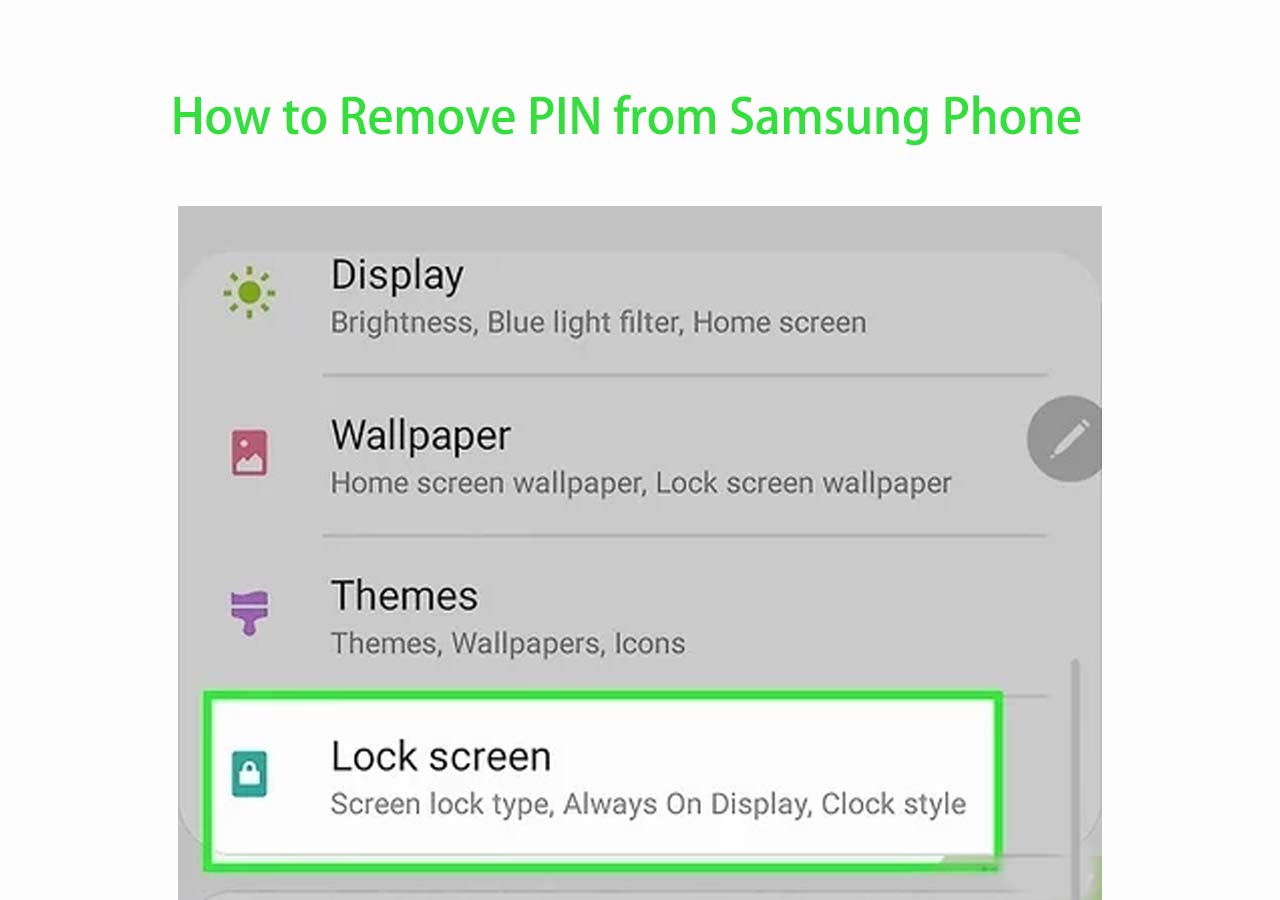
- Screen lock removal (PIN, pattern, or password) on supported models
- ADB- and Fastboot-based operations
- Compatibility with some MediaTek (MTK) and Qualcomm-powered devices
Key Limitations
- ❌ Not compatible with all Android brands or models
- ❌ Lower success rate on newer Android versions (Android 11 and above)
- ❌ No official support or documentation
- ❌ Feature availability varies by device and software version
In practice, results can differ significantly depending on the phone model, Android version, and security patch level.
Is Bader Tool Safe and Legal to Use?
This is one of the most important things users should understand before using Bader Tool.
Safety Considerations
- Bader Tool is not open-source and not officially verified
- Some distributed versions may include modified or repackaged files
- There is a potential risk of malware, data leakage, or system instability
- Improper use may lead to data loss or device malfunction
Legal and Ethical Considerations
- FRP and screen lock protections are designed to prevent unauthorized access
- Using bypass tools on a device you do not own or have permission to access may violate local laws or platform policies
- Always ensure you are unlocking your own device or have proper authorization
Because of these risks, Bader Tool is not recommended for casual users.
Bader Tool Download Information (Versions Explained)
Users often search for different versions of Bader Tool, such as v2.0, v2.2, or v2.6. These version numbers usually indicate feature updates or expanded device support, not official releases.
Commonly Referenced Versions
- Bader Tool v2.0 – Early release with basic unlocking functions
- Bader Tool v2.2 – Improved device detection and limited compatibility updates
- Bader Tool v2.6 – Often referred to as the “latest version” in GSM communities
⚠️ It's important to note that there is no official Bader Tool website. Availability and reliability depend entirely on the source, which increases security risks.
How to Use Bader Tool
- Install required USB drivers on a computer
- Connect the Android device via USB cable
- Launch Bader Tool and select the appropriate function (e.g., FRP or screen lock)
- Follow on-screen instructions based on device model and Android version
FRP Bypass Alternative to Bader Tool
Many users turn to Bader Tool because they are locked out of a Samsung phone and need to remove Google FRP. However, due to the risks and limitations of third-party tools, a more stable and user-friendly alternative is often a better choice.
EaseUS MobiUnlock for Android is a professional Samsung FRP bypass solution designed for legitimate device unlocking scenarios. Instead of relying on unofficial tools with uncertain success rates, it provides a safer and more predictable FRP removal experience, especially for non-technical users.
Why Choose EaseUS MobiUnlock
- ✅ Clear compatibility information
- ✅ Guided interface suitable for beginners
- ✅ No modified system files
- ✅ Higher stability on supported Samsung models
FAQ
1. Is Bader Tool free?
Most versions are distributed as free tools, but reliability and safety depend entirely on the source.
2. Is Bader Tool an official Android tool?
No. Bader Tool is a third-party utility, not developed or endorsed by Google or any Android manufacturer.
3. Does Bader Tool work on Android 13 or Android 14?
Success rates on newer Android versions are inconsistent and often limited.
4. Why is Bader Tool not working on my device?
Common reasons include unsupported models, newer security patches, or driver-related issues.
Conclusion
Bader Tool is a non-official Android unlocking tool mainly used for FRP bypass and screen lock removal in GSM repair communities. While it may work on certain devices, it comes with significant limitations and potential risks, especially on newer Android versions.
For users who want a safer, easier, and more reliable solution, choosing a professional tool like EaseUS MobiUnlock is often the better option.
Always make sure you are unlocking a device you legally own or have permission to access.





 NEW
NEW HOT
HOT
