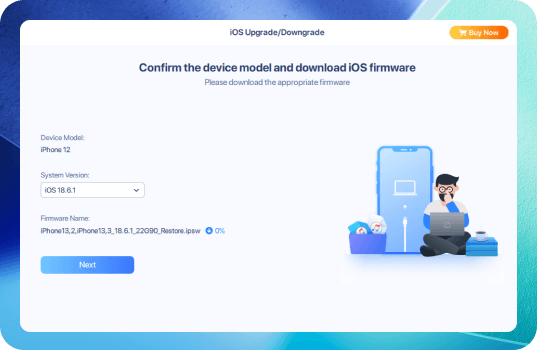
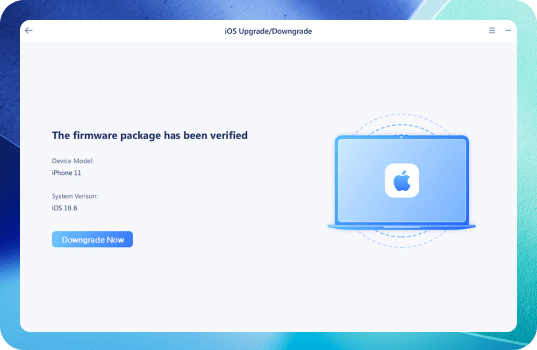
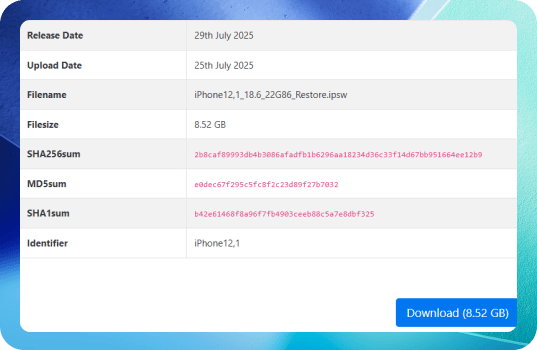
Check Signing Status
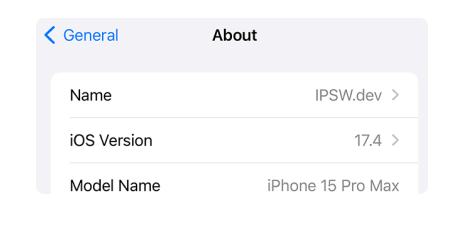
Use a tool like ipsw.me to confirm Apple is still signing iOS 18 or lower versions for your device.
Free iPhone data transfer software
 NEW
NEWTransfer WhatsApp Chats between iOS & Android
 HOT
HOTUnlock iPhone to remove Apple ID & screen passcode.
Unlock Android phone lock screen & Samsung FRP lock.
Your best expert to fix all iOS system problems
Set virtual location on your iPhone/iPad
Make ringtones for iPhone in the way you prefer
Erase sentive data from iPhone/iPad
Feeling stuck with iOS 26 bugs, battery drain, or app crashes? Follow this safe guide to reclaim stability and control by downgrading from iOS 26 to iOS 18.
Start Downgrade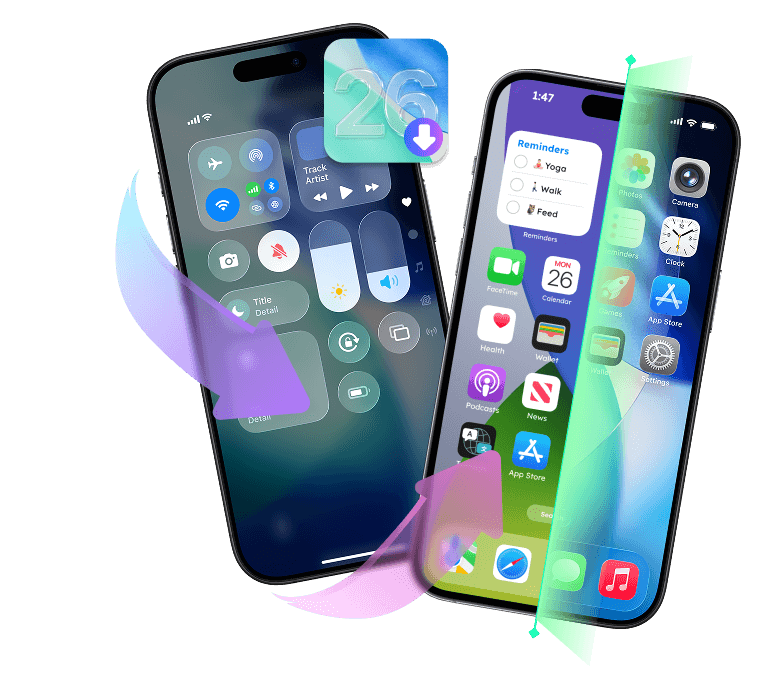
Downgrading may erase all data if you don’t have a backup from the older iOS version.
You cannot restore an iOS 26 backup to a downgraded iOS version.
You can only downgrade to versions still signed by Apple, such as iOS 18.6.
Any new features or improvements introduced in iOS 26 will no longer be available after downgrading.
Unexpected issues like device boot loops, recovery mode stuck, or failed restores may occur during downgrade.
Use a tool like ipsw.me to confirm Apple is still signing iOS 18 or lower versions for your device.
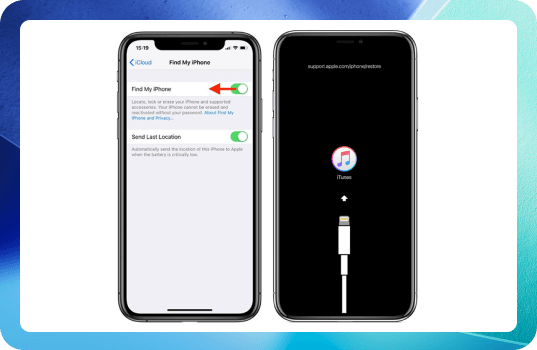
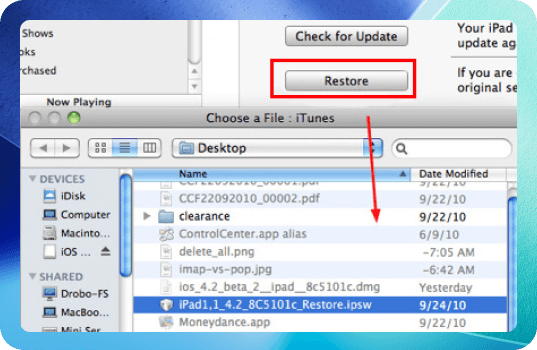
Downgrade cannot be done on the device only; you'll need Finder or iTunes.
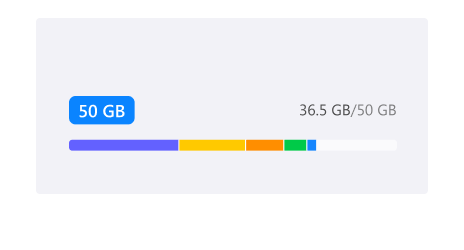
Ensure at least 5–10GB free storage and a stable internet connection for downloading firmware and restoring backups.
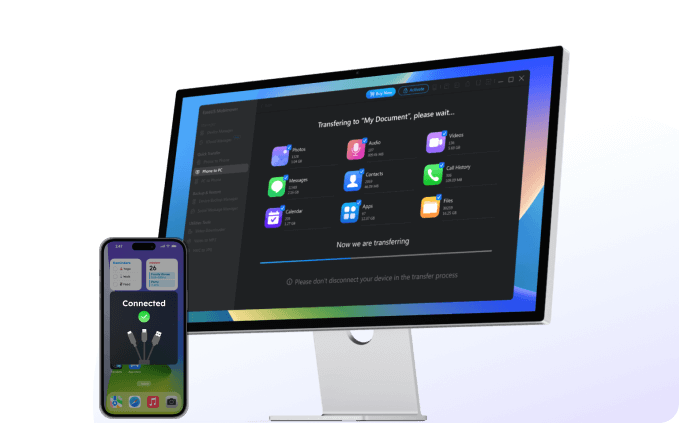
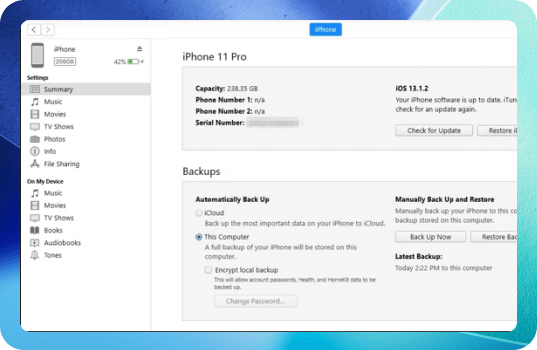
MobiMover helps back up your iPhone without iCloud in one click. It keeps your 14 types+ of files safe, including photos, videos, contacts, music, messages, and more.
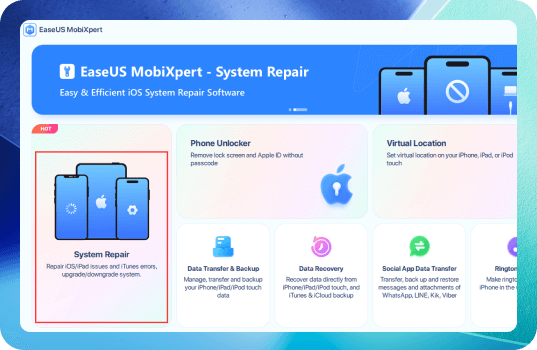
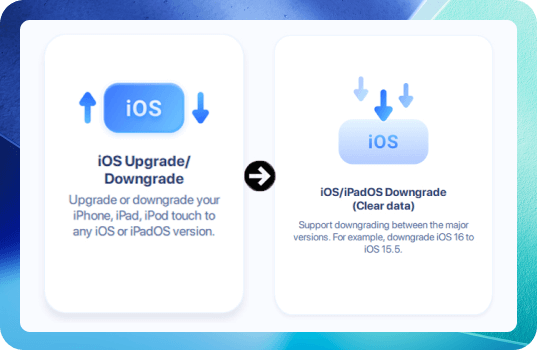
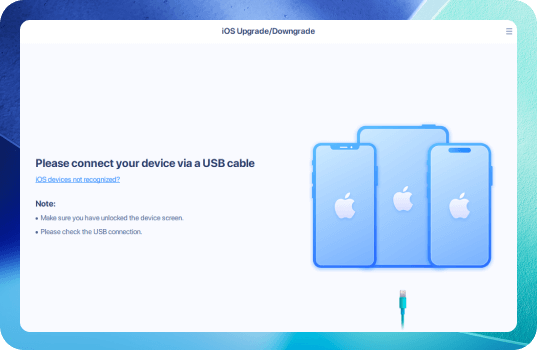
A one-click solution for downgrading from iOS 26 to iOS 18. Connect your iPhone to your computer, launch MobiXpert, select "iOS/iPadOS Downgrade", and you're done in minutes. Designed for ease and data safety.
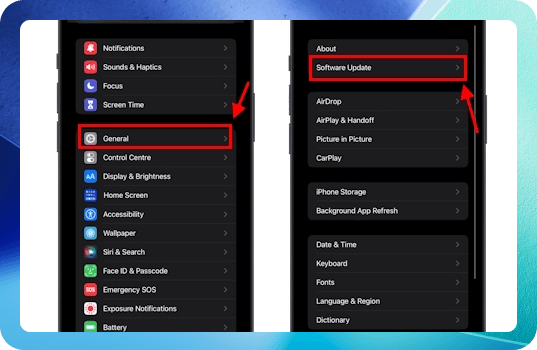
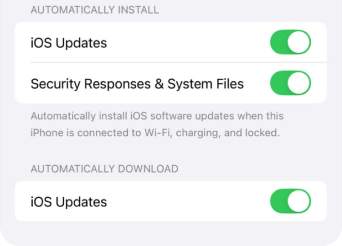
Free DownloadTo prevent reinstallation of iOS 26 overnight, go to Settings > General > Software Update > Automatic Updates and turn off both toggles.
If you created a backup using MobiMover or iCloud before upgrading, restore it via MobiMover or go to Settings > General > Transfer or Reset iPhone to restore your backup.
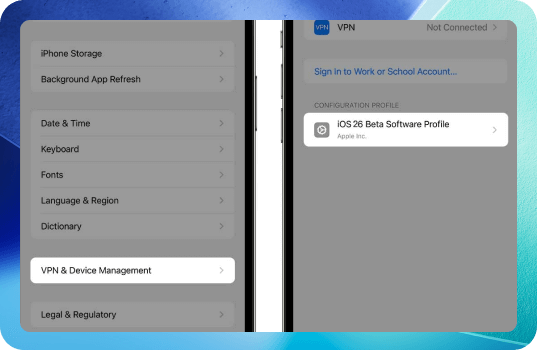
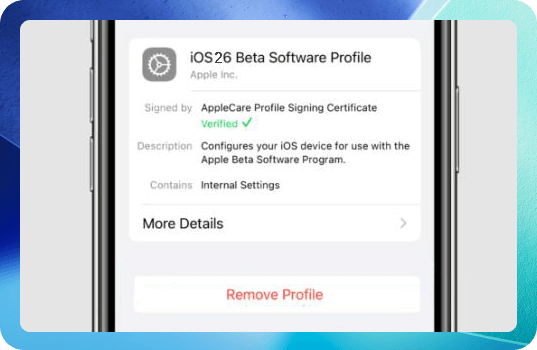
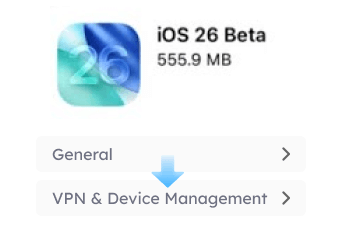
Remove any developer or public beta profiles. Navigate to Settings > General > VPN & Device Management, select the beta profile, and tap Remove Profile.
Some apps optimized for iOS 26 may not work smoothly after downgrading. Watch for crashes or bugs, and update those apps to ensure better compatibility.
1. How long does the iOS 26 downgrade take?
The process usually takes 15–40 minutes, depending on your internet speed, device model, and the size of the iOS firmware. If you’re using iTunes/Finder, downloading the IPSW file on your iPhone 16/15 might add extra time.
2. Why is my backup not working after downgrading iOS?
Backups made on iOS 26 can't be restored to a device running iOS 18 or earlier due to Apple’s compatibility rules. To restore data, you’ll need a backup created before upgrading to iOS 26.
3. How to downgrade iOS 26 without losing data?
To keep your data safe, back up your iPhone before starting the downgrade. Use EaseUS MobiMover, iTunes/Finder or iCloud for a full backup, then perform the downgrade action.
4. Can I downgrade from iOS 26 to iOS 18.5?
Realistically, you can’t downgrade from iOS 26 to iOS 18.5 anymore. If Apple is still signing iOS 18.6 for your device, you can restore that version via iTunes/Finder. Anything older (like 18.5) would be blocked by Apple’s servers.
Here's why:
Apple stops "signing" old iOS versions
Downgrade is only possible to a currently signed version
At best, you might be able to downgrade to iOS 18.6
5. How to downgrade from iOS 26 to iOS 18.6 without computer?
You can only downgrade from iOS 26 to iOS 18.6 without a computer if you have not fully installed iOS 26 yet and are still running an earlier iOS 18 version. In that case, you can remove the beta profile and update to the latest signed iOS 18 build directly on your device. For step to step guide, refer to the Solution 3 mentioned above.
6. What iOS version can I downgrade to?
You can only downgrade from iOS 26 to an iOS version that is still being signed by Apple for your specific iPhone model. Once Apple stops signing a version, iTunes/Finder will block the install, even if you have the IPSW file.
iOS 18.6 is only available for iPhone XS, 11, 12, 13 and newer models.
iOS 16.7.11 is offered for iPhone X and iPhone 8 currently.
iOS 15.8.4 is accessed for iPhone 7.
This page is continuously updated based on the latest iOS 26 information, ensuring you have the most current insights and solutions at your fingertips.
Copyright © 2004 - 2023 EaseUS. All rights reserved.