
Compatibility
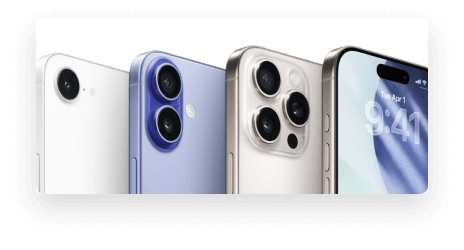
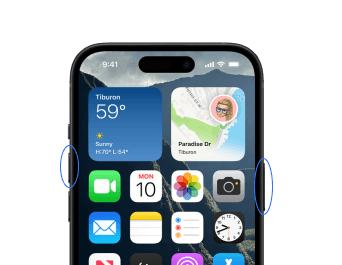
iOS 26 is compatible with iPhone 11 and newer models, including the iPhone SE (2nd generation and later), up to the latest iPhone 16 series.
Free iPhone data transfer software
 NEW
NEWTransfer WhatsApp Chats between iOS & Android
 HOT
HOTUnlock iPhone to remove Apple ID & screen passcode.
Unlock Android phone lock screen & Samsung FRP lock.
Your best expert to fix all iOS system problems
Set virtual location on your iPhone/iPad
Make ringtones for iPhone in the way you prefer
Erase sentive data from iPhone/iPad
Get easy, step-by-step instructions to safely update your iPhone to iOS 26. Learn how to prepare for iOS update, follow the quick update steps, and get helpful tips for smooth performance after upgrading. Stay confident and ready for iOS 26.
Update NowiOS 26 introduces powerful new features, but should you upgrade right now? Here's what to consider based on your device, usage, and needs.

Polls in Messages

Live Translation
Liquid Glass

Live Activities

Apple Games App

Visual Intelligence

Tapbacks in CarPlay

Custom Chat Backgrounds
Call Screening & Hold Assist

Battery Drain

Overheating

Reduced Speed

Stability Issues

Compatibility

Bug Risks

Feature Trade-Offs

Storage Space
Learning Curve
iOS 26 is compatible with iPhone 11 and newer models, including the iPhone SE (2nd generation and later), up to the latest iPhone 16 series.
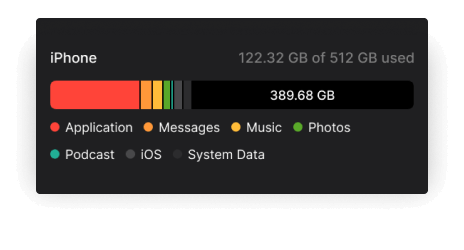
Check the available storage space on your device before updating. iOS updates usually require a large amount of space to download and install.
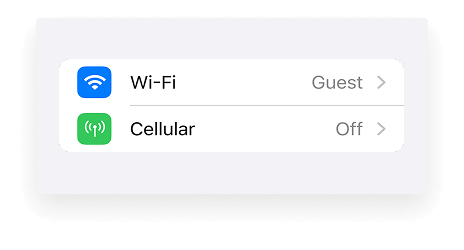
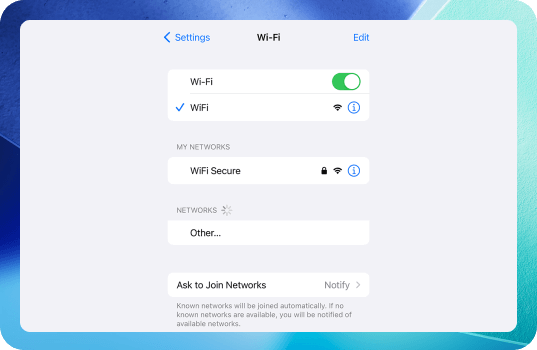
Check the Internet connection for iOS 26 update. Make sure you are connected to a reliable network source. A stable and fast network connection is required when updating iOS.
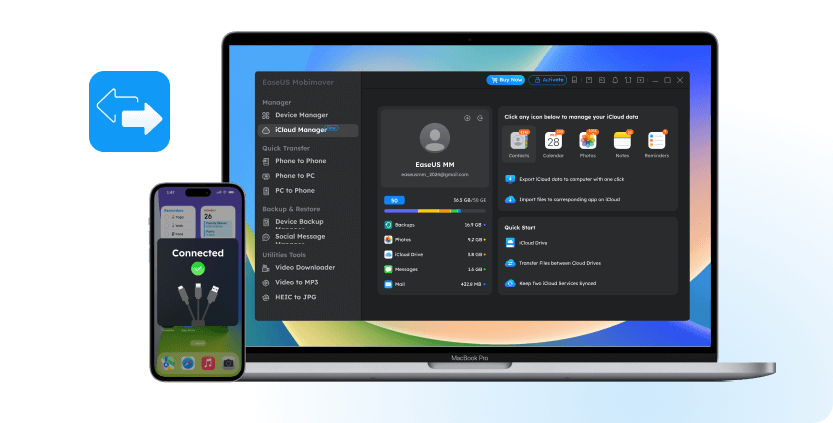
MobiMover helps back up your iPhone without iCloud in one click. It keeps your 14 types+ of files safe, including photos, videos, contacts, music, messages, and more.
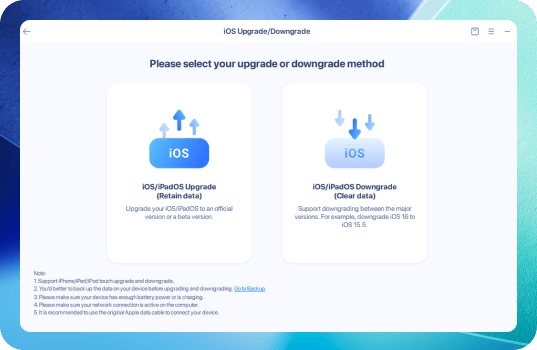
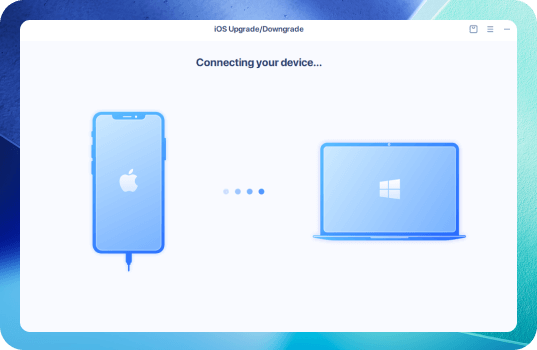
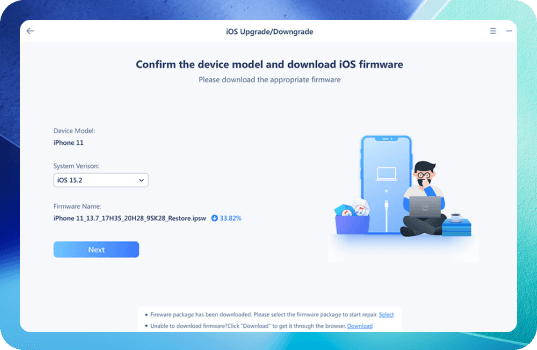
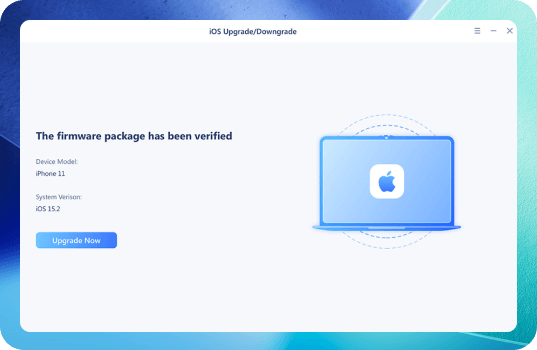
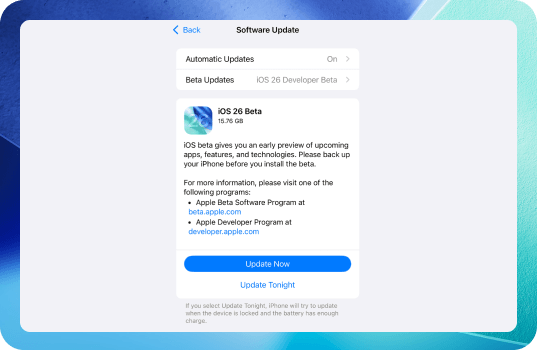
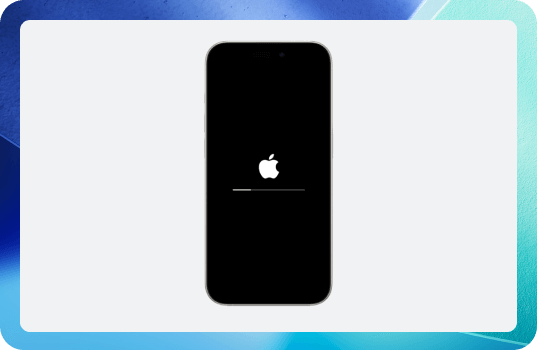
EaseUS MobiXpert provides an update feature that makes managing iOS upgrades smoother. It simplifies the update process without iTunes or Finder. MobiXpert also offers system repair options to fix iOS problems that might block updates, ensuring a hassle-free update experience.
Free DownloadGo to Settings > App Store to turn on App Updates. This helps prevent compatibility issues and allows you to use new features and optimizations introduced in iOS 26.
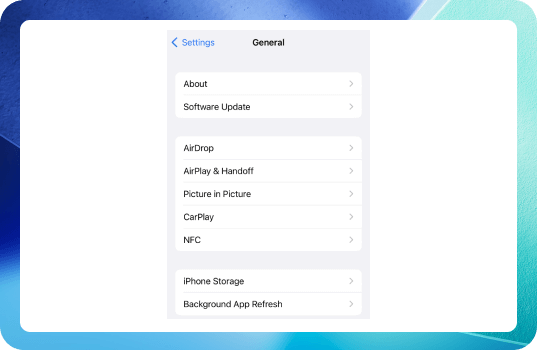
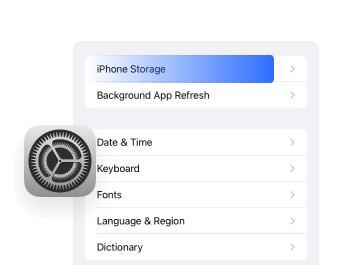
Go to Settings > General > iPhone Storage to see which apps are taking up space and remove those that are unnecessary.
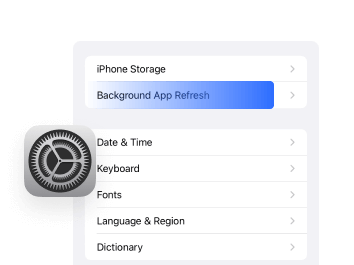
Go to Settings > General > Background App Refresh to disable Background App Refresh for apps that you do not use frequently, which helps conserve battery life and improve overall performance.
A simple restart can clear temporary files and refresh system processes, leading to better performance. It is advisable to restart your device periodically, especially after an update.
1. Why is it called iOS 26 instead of iOS 19?
Apple calls it iOS 26 instead of iOS 19 because they switched to a year-based version numbering system. The "26" represents the year 2026, aligning iOS’s version number with the release year rather than the sequence of versions.
2. Why does the iOS 26 update fail to install on my iPhone?
The iOS 26 update can fail due to issues like unstable internet, low storage, low battery, or system glitches. To fix it, ensure a strong Wi-Fi connection, free up storage, charge your iPhone, restart it, reset network settings if needed, try updating via computer using iTunes or Finder, or use repair tools like EaseUS MobiXpert. If the problem continues, contact Apple Support.
3. How does the Liquid Glass design affect battery life and performance?
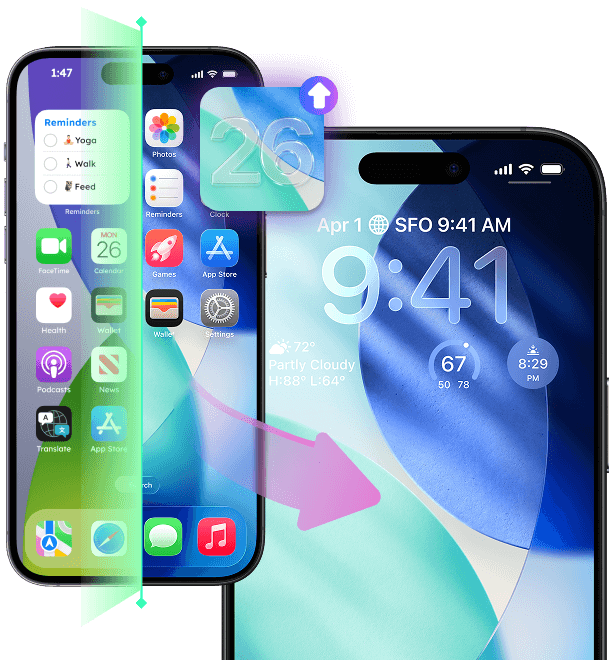
While visually striking, Liquid Glass demands more GPU power and processing, causing higher battery consumption and increased device temperatures compared to iOS 18. This may negatively influence the battery life and performance on older devices.
4. How long does it take to update to iOS 26?
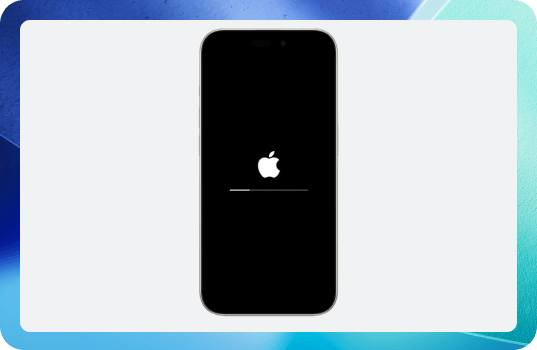
Updating to iOS 26 typically takes 30 minutes to 1 hour in total, including all stages such as data backup, downloading the update, preparing, verifying, installing, and final device setup.
• Data backup and sync: 5 to 15 minutes (optional but recommended)
• Downloading the iOS 26 update: 10 to 20 minutes (depends heavily on your internet speed)
• Preparing the update: 5 to 10 minutes
• Verifying the update: 5 to 10 minutes
• Installing the update: 10 to 20 minutes
• Final iPhone setup after installation: 5 to 15 minutes
• The overall process length can vary depending on your device model, internet connection speed, available storage space, and network/server congestion at the time of update.
5. Why doesn't iOS 26 support older models like the iPhone XS and XR?
These older models use the Apple A12 Bionic chip (7nm architecture) and are considered outdated for the new graphical and AI-intensive features in iOS 26, so Apple dropped them from support.
6. Are all features of iOS 26 available on all supported iPhone models?
No. Some advanced features, especially AI-driven ones like Apple Intelligence, are limited to the newest hardware such as iPhone 15 Pro, iPhone 16 series, etc..
7. Is device heating and battery drain normal after iOS 26 update?
Early versions often have increased battery consumption and heat due to new graphics and AI workload, expected to improve with future patches.
This page is continuously updated based on the latest iOS 26 information, ensuring you have the most current insights and solutions at your fingertips.
Copyright © 2004 - 2023 EaseUS. All rights reserved.