Stellar Eraser for iPhone

EaseUS has partnered with Stellar to bring you a trusted iPhone data wiping solution.

Wipe Senstive Data Before Selling or Recycling iOS Devices

  • Permanently erase all content and settings.
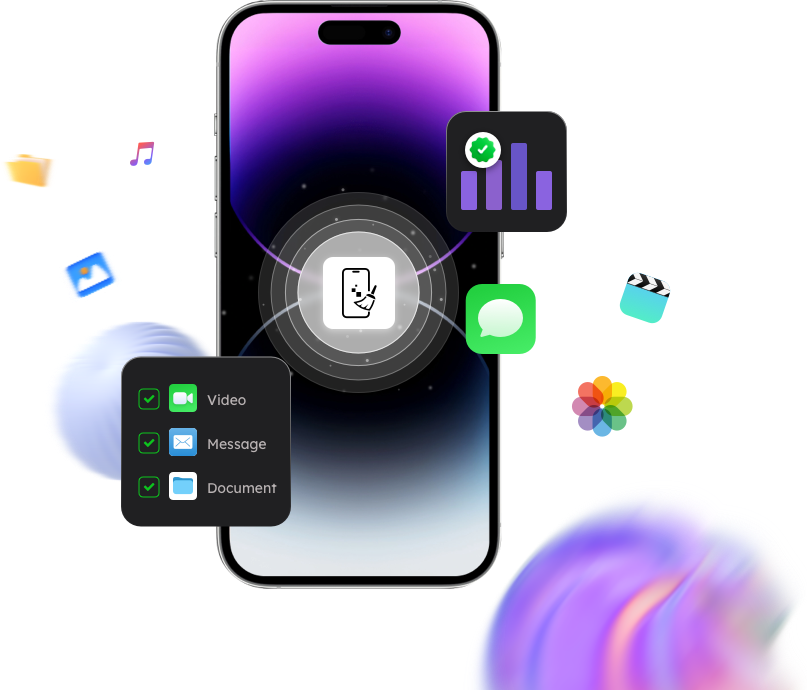
  • Erase contacts, photos,videos, chats, imessage, text, and more.
  • Support the latest iOS 26, 18, 17, and below.
  • Compatible with the latest Windows 11 and macOS 26.

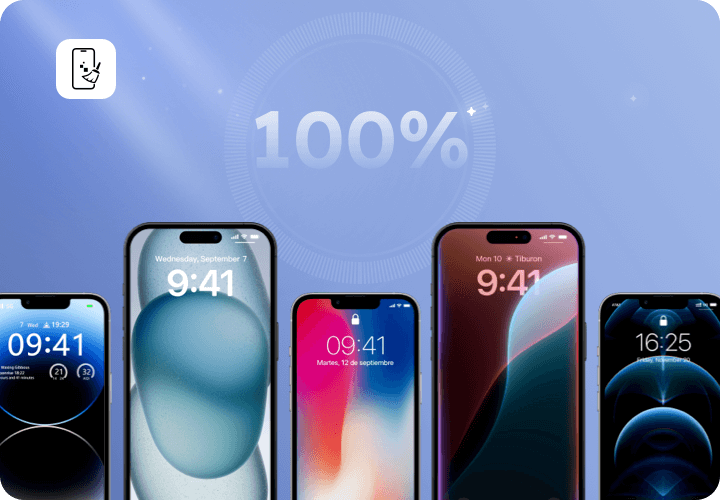
100% Permanent iPhone Data Erasure

Stellar iPhone Erasure is an effective solution for thoroughly wiping your iPhone. Its advanced data erasure feature permanently deletes all data, ensuring it cannot be recovered by any software. The tool securely overwrites 100% of the data stored on the device, leaving no trace behind. In addition, it restores the iPhone to its original factory settings. Perfectly compatible with the latest iPhone16,15, 14, 13, 12, 11 Pro, XS MAX, XS, XR, X.8, 7, and below.

Efficient Erase Photos, Contacts, Videos

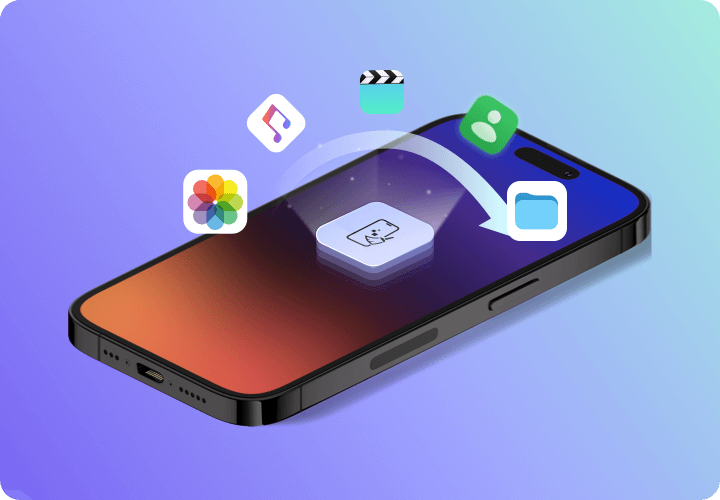
You may have deleted iPhone photos, videos, notes, songs, accounts, passwords, app details, and more. However, information of the deleted files remain in the storage drive of the iOS device and is recoverable. The iPhone data eraser software permanently wipes the already deleted data from iPhone or iPad removing every bit of your data from the drive, preventing data misuse.

Wipe Personal Data from iPhone

Wipe personal and sensitive information by this iPhone cleaner. lt protects your privacy by permanently deleting personal photos, videos, messages, contacts, Safari bookmarks, and other sensitive data from iPhone and iPad. lt is the best data erasure tool for iOS devices before you sell, exchange, give away, or recycle them.

Stellar Eraser for iPhone is an award-winning iPhone data cleaner tool used to permanently erase all content and settings from iPhone and iPad devices beyond recovery by any tool.

How to Erase iPhone Sensitive Data Permanently?

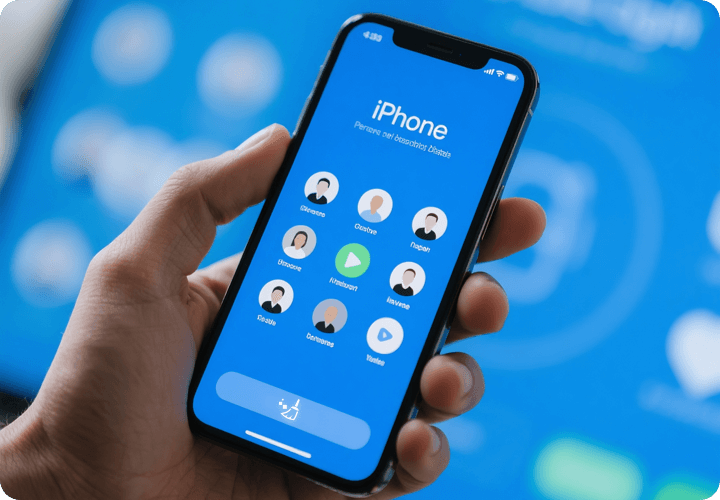
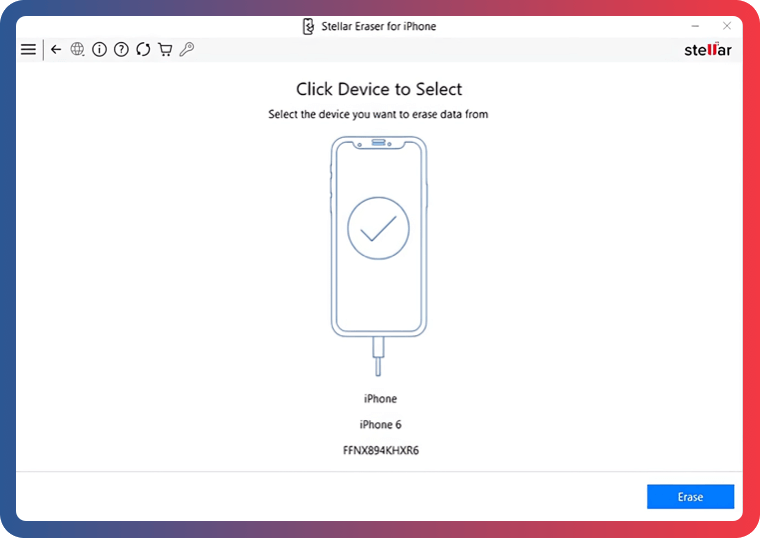
Step 1: Select "Device"

Select a connected device to "Erase iPhone Data".

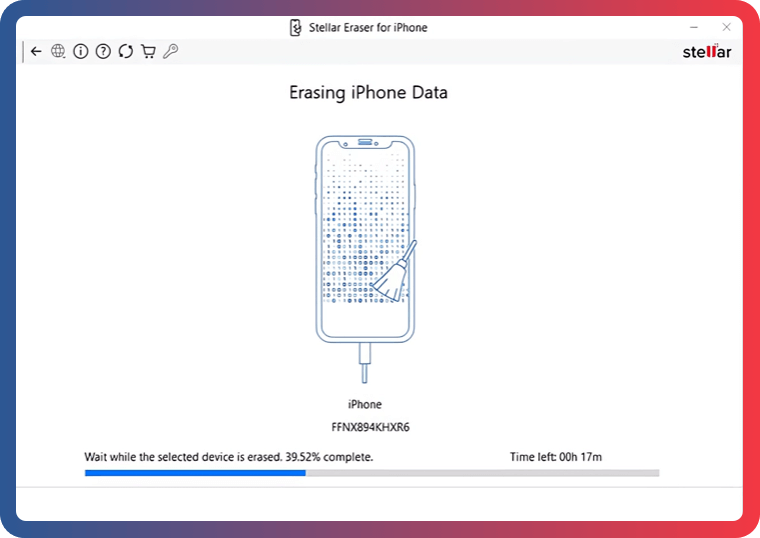
Step 2: Erase and Re-Write Process

The software will erase and re-write the data from aconnected iOS device.

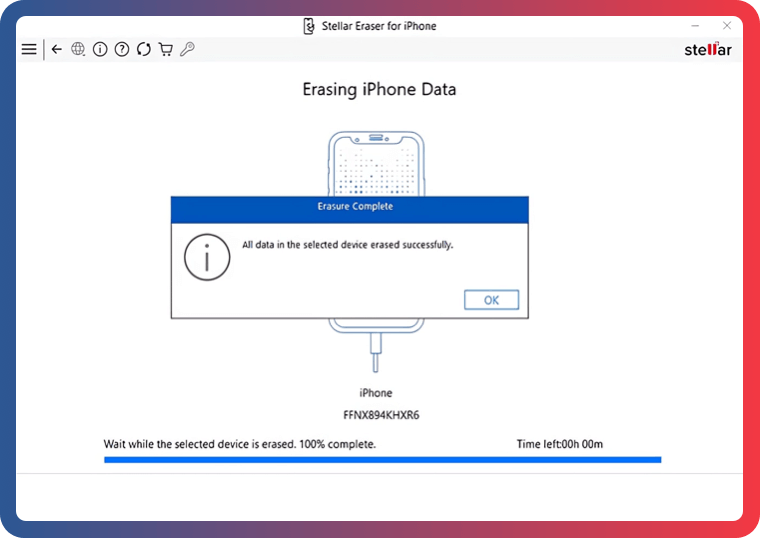
Step 3: Click "OK" to Finish

After erasing data, the "All data from the selected deviceerased successfully" message appears.

Frequently Asked Questions


Do I need to have “iTunes” installed on my PC to use iPhone Data Cleaner App?

No, you don't need to install iTunes as our latest version of software doesn't require it.


Can I erase iPhone, if passcode is not known?

Yes, you can erase your iPhone in the absence of passcode.


What is the difference between iPhone Factory Reset and Stellar iPhone Eraser?

iPhone’s factory reset leaves bits of data on the drive, which can be recovered using a software. However, Stellar iPhone Eraser, permanently erases every bit of data, beyond the scope of any recovery software.


Will this software be able to remove the forgotten Passcode lock from my iOS device?

Stellar Eraser for iPhone erases all the data of your iOS device; moreover, it also removes the passcode lock of your iPhone.


Does the software permanently removes the third-party apps data like WhatsApp, WeChat, Kik, or Viber on iPhone?

Yes, it removes third-party apps and their data on the iOS device.


Can Stellar iPhone Eraser permanently erase data from broken or water damaged iPhone?

Yes, Stellar data eraser can delete from broken or water damaged iPhone, provided its screen touch is working.

Stellar Eraser for iPhone

Permanently delete your personal files before selling or recycling your ios devices.