🚨Disclaimer: This guide is intended only for users who own the device and need to regain access after forgetting their Google account or purchasing a second-hand Samsung A12. We do not encourage unauthorized access to any device. Any bypass methods should be used responsibly and legally.
If you forget your Google account credentials or buy a pre-owned device that's still locked, the FRP screen can quickly become a roadblock. In this guide, we break down the most common methods people use to perform a Samsung A12 FRP bypass, including both PC and non-PC options.
You'll learn which approaches still work nowadays, which ones are outdated, and how to choose the safest solution based on your Galaxy's Android version and security patch.
—— Quick Answer ——
The most reliable ways to bypass FRP on a Samsung A12 are:
1️⃣Use an effective PC tool for beginners like EaseUS MobiUnlock – works fine until Android 16.
2️⃣Try SamFw FRP Tool – Suitable for experienced users, supports many Samsung models.
Note: APK tricks and TalkBack methods without computer rarely work on newer security patches. See details below.
#1. Overview & Core Comparison
With so many FRP bypass approaches available online, it's easy to feel confused about which one actually works on the Samsung Galaxy A12 till now. Below is a clear comparison of the three major categories—PC tools, APK methods, and TalkBack tricks—based on effectiveness, safety, and compatibility with newer firmware versions.
| FRP Bypass Method |
Requires PC |
Android |
Difficulty |
Best For |
| 1. EaseUS MobiUnlock |
Yes |
Android 6-16 |
Easy |
One-click Solution for Beginners✅ |
| 2. SamFw |
Yes |
Android 5-14 |
Medium |
Users with basic ADB/technical experience |
| 3. Easy Flashing APK |
No |
Android 5-8 |
Medium |
Older patches that still allow browser/APK installs |
| 4. FixFirmware APK |
No |
Android 5-14 |
Medium |
Samsung A12 on older Android 10/11 builds |
| 5. TalkBack |
No |
Android 5-11
|
Hard & Rarely Works |
Very old firmware; users without PC or APK options |
#Key Takeaways:
- Highest success rate → EaseUS MobiUnlock (best for beginners and latest patches).
- Best free option → SamFw FRP Tool (but requires more technical steps).
- No PC available → APK methods only work on older security patches, so expect lower success.
- TalkBack → Only useful on outdated firmware; mostly ineffective in 2025/2026.
If you need a practical and up-to-date way to bypass FRP on the Samsung A12, PC-based tools clearly outperform APK methods and TalkBack tricks, offering the highest success rate and the smoothest user experience. APK and TalkBack approaches may still appear in old tutorials, but they rarely work on current Android builds.
#2. Samsung A12 FRP Bypass with PC
Using a computer remains the most reliable and consistent way to bypass FRP on the Samsung A12. PC-based tools can communicate directly with the device at a system level, making them far more effective than older APK or TalkBack tricks—especially on newer Android 11, 12, and 13 security patches. Below are two commonly used solutions that help users regain access to their legally owned Samsung A12.
➤ EaseUS MobiUnlock for Android
Android Compatibility: Android 6, ... Android 10, 11, 12, 13, 14 ... (Strong Support)
EaseUS MobiUnlock for Android is one of the most beginner-friendly options for removing FRP locks from Samsung devices, including the A12. Unlike manual bypass methods, it automates the entire process and eliminates the need for technical knowledge, complex button combinations, or risky third-party downloads. This tool is especially helpful for users who have forgotten their Google account or purchased a second-hand phone that still shows the verification screen.
✍️Key Features:
- Supported Android: Android 6 to the latest version
- Supports Samsung A12 models across Android 10–13
- Streamlined interface suitable for beginners
- Automated FRP removal process
- Doesn't require APK installation or access to hidden menus
- Designed for legitimate device recovery situations
Samsung A12 FRP unlock tool free download:
How to bypass FRP lock on Samsung A12 with EaseUS software:
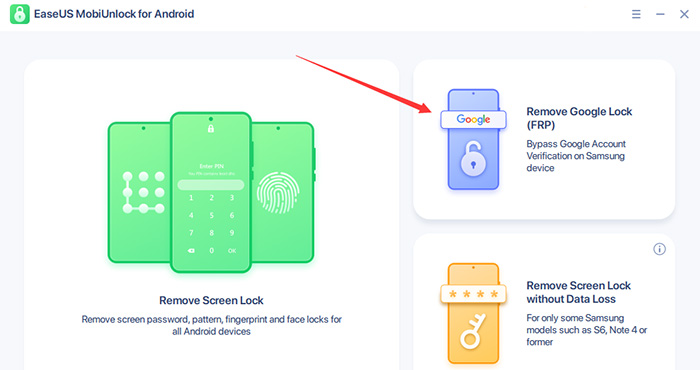
Step 1. Launch EaseUS MobiUnlock for Android on Windows, select Remove Google Lock (FRP).
![easeus mobiunlock homepage]()
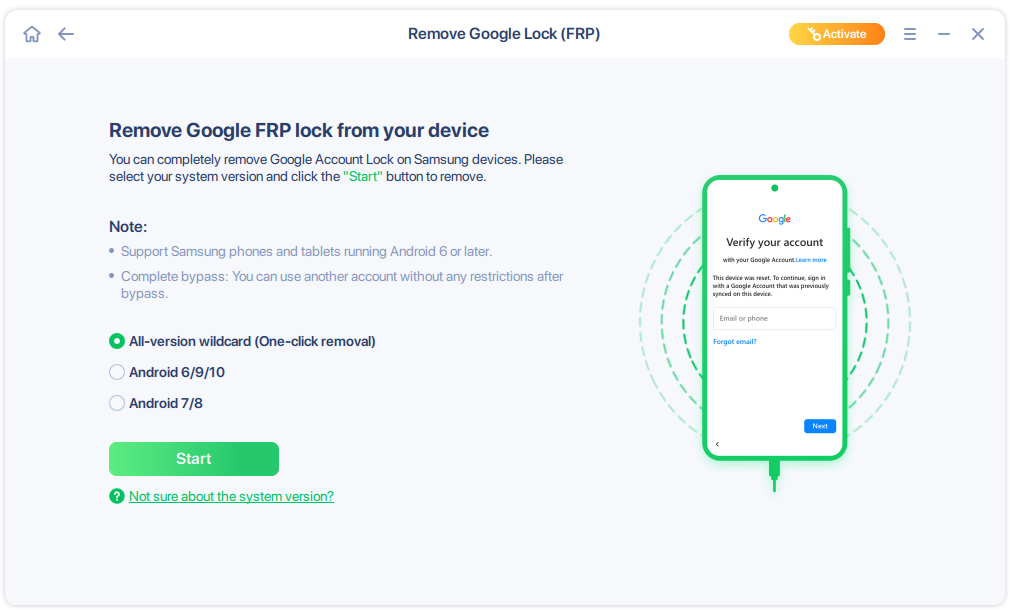
Step 2. Connect your Android device via USB and click Start and follow the on-screen instructions.
![select Sart to bypass FRP now]()
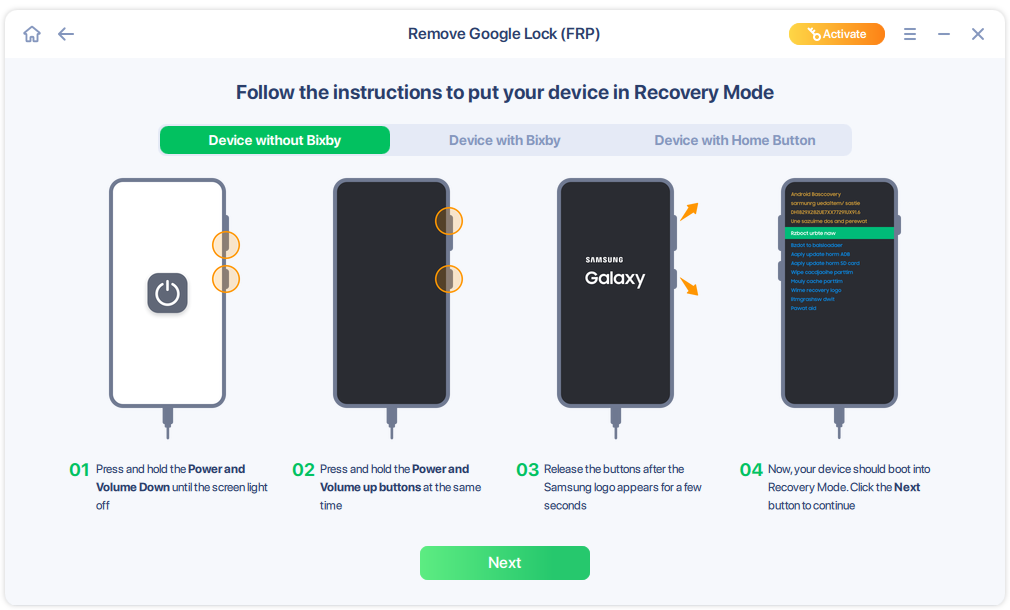
Step 3. Put your Android into Recovery Mode as prompt and wait 3–5 minutes for the FRP lock to be removed, then reboot.
![enter the recovery mode]()
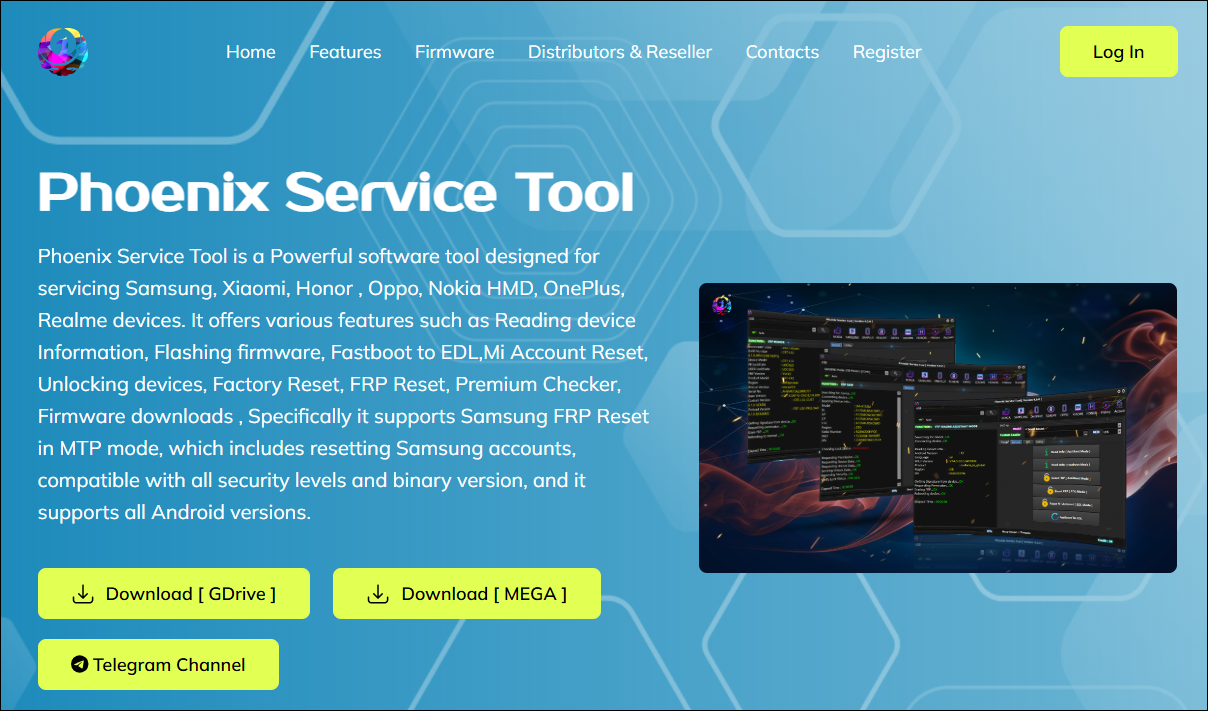
➤ SamFw
Android Compatibility: Android 10, 11, 12 (Good), Android 13/14 (Depends on patch level)
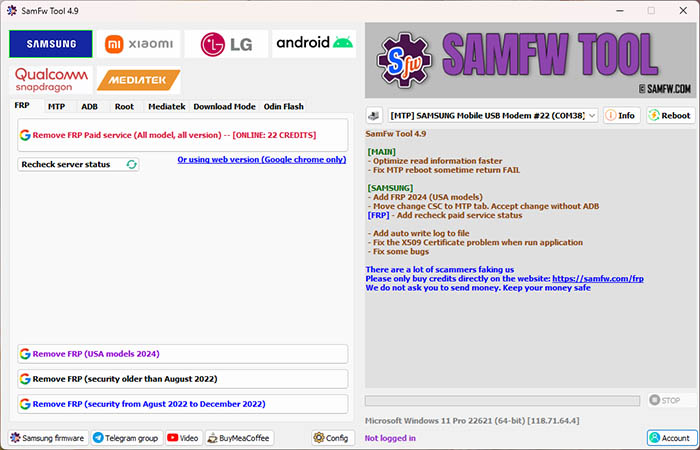
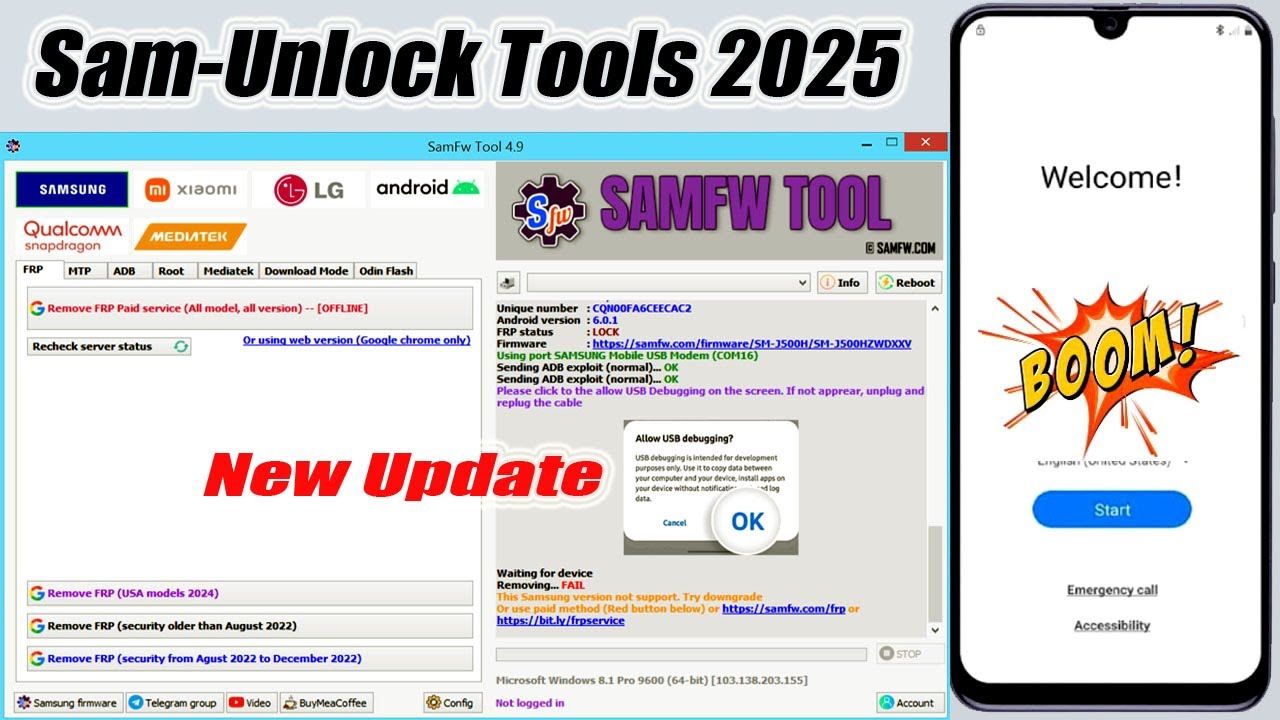
SamFw FRP Tool is another popular PC utility widely used by technicians and experienced Android users. It supports a broad range of Samsung devices, including the A12, and offers multiple repair functions such as FRP reset, diagnostic mode tools, and device information reading.
![Samfw]()
Compared with MobiUnlock, SamFw tends to require more technical understanding. Users need correct drivers, proper USB connections, and basic familiarity with recovery or download modes. While it is powerful, success can vary depending on the A12's firmware version and security patch level.
✍️Highlights:
- Free to use
- Supported Android: Android 5-14
- Works with many Samsung models
- Offers professional-level features beyond FRP
- Better suited for users with technical experience
Samsung A12 FRP unlock tool download: https://samfw.com/SamFwToolSetup_v4.9.zip
Here's how to bypass Samsung A12 FRP via SamFW Tool:
#3. Samsung A12 FRP Bypass Without PC
Some users prefer trying FRP bypass methods that don't require a computer. These approaches typically rely on installing third-party APK files to trigger an alternative login path on the Samsung A12. While they were once widely used on older Android versions, their effectiveness has dropped significantly as Samsung continues to tighten security on newer firmware updates.
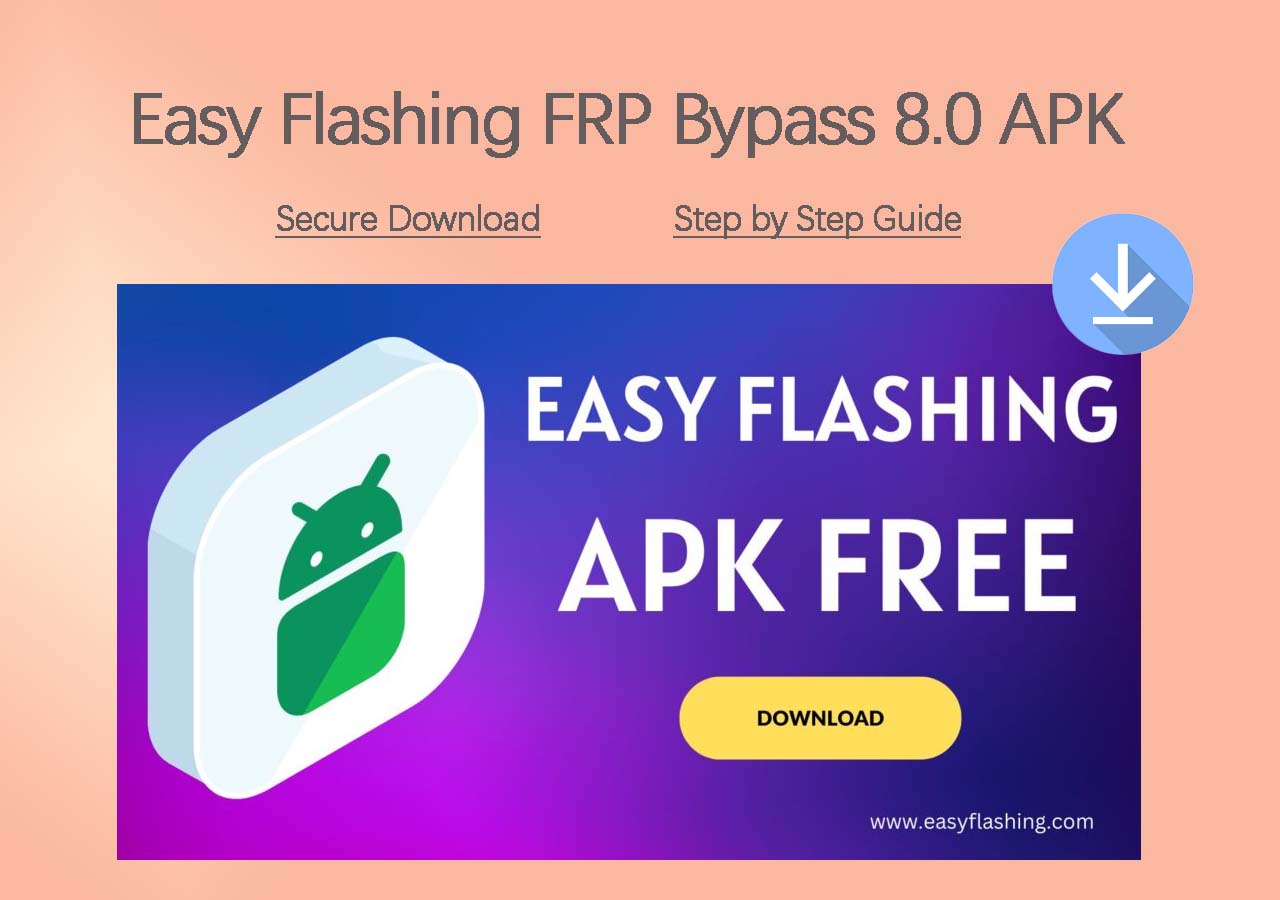
➤ Easy Flashing FRP Bypass 8.0 APK
Android Compatibility: Mainly Android 5-8, partial Android 9-11
Easy Flashing FRP Bypass 8.0 APK is one of the more commonly mentioned mobile-based solutions. It attempts to launch a Google Account Manager or browser window directly from the Samsung A12, allowing users to add a new Google account.
![easy flashing frp bypass apk]()
However, its reliability heavily depends on the phone's software version. On older A12 builds (early Android 10 or some Android 11 releases), the APK might still trigger the necessary settings entry points. But on newer firmware—especially after Samsung's 2023–2025 security patches—these methods are largely blocked.
✍️Pros:
- Supported Android: Android 5-8
- No computer required
✍️Cons:
- Often blocked on modern firmware
- Requires downloading an APK from third-party sources
- Higher risk of malware or tampered files
- Not suitable for inexperienced users
Easy Flashing FRP Bypass 8.0 APK free download: https://easyflashing.com/easy-flashing-bypass-8-0-apk/
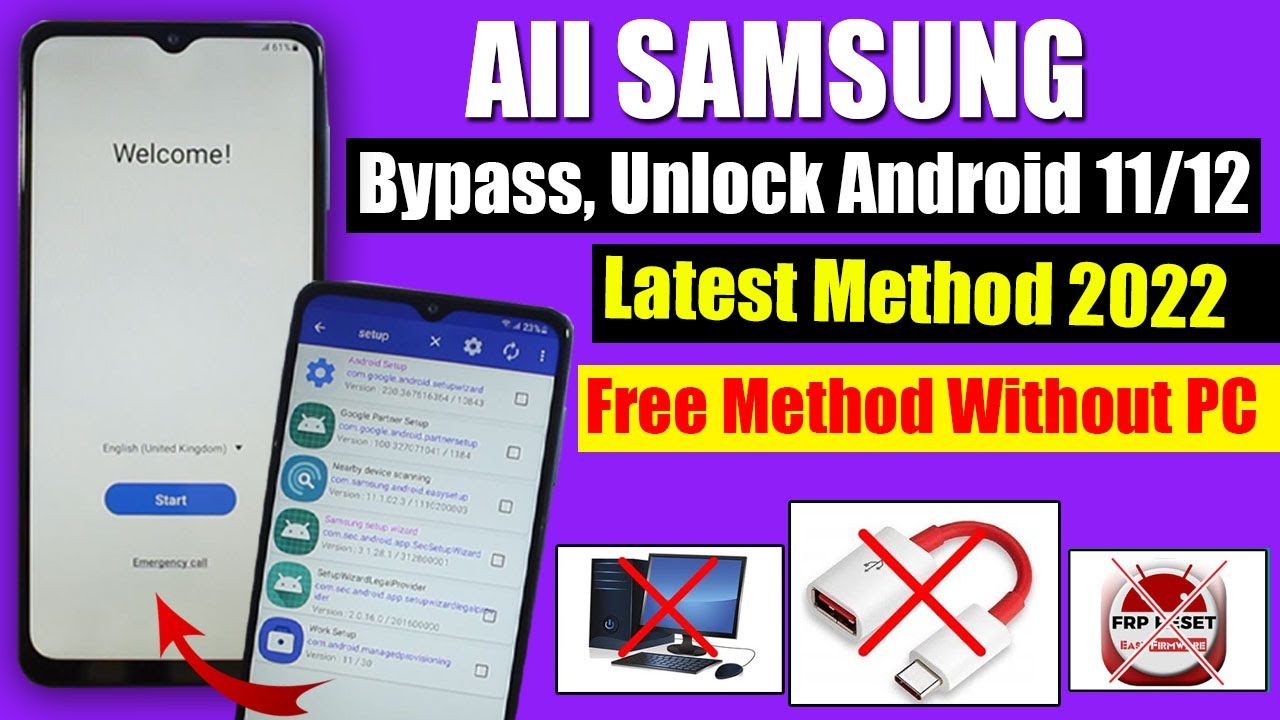
To bypass FRP on Samsung A12 without PC with Easy Flashing APK, follow the video guide below:
➤ FixFirmware APK
Android Compatibility: Android 5, ... partial Android 11/12/13/14 (based on the patch level)
FixFirmware APK is another mobile-based tool that tries to interact with the system's setup or Google account components. The tool aims to bypass the verification step by calling hidden intents or directing users to alternative login pages.
While it may work on certain older builds, its success rate on Samsung A12 devices with updated Android 11–13 patches is extremely limited. Like other APK-based bypass apps, it depends on loopholes that Samsung and Google have already sealed.
✍️Pros:
- Does not need a PC
- Provides multiple FRP-related functions in one package
- Supported Android: Android 6-13
✍️Cons:
- Very low success on new security patches
- Download sources vary in safety and legitimacy
- Not reliable for long-term or guaranteed FRP removal
- May require multiple tries or different versions
FixFirmware APK official download: https://fixfirmware.com/apk/
For the Samsung Galaxy A12 FRP bypass process with no PC, follow the video guide below:
Are APK FRP Methods Still Worth Trying?
In 2025, APK-based FRP bypass is considered inconsistent and outdated for the Samsung A12. While they may still work on rare older firmware versions, they can't match the reliability of PC tools or official recovery options. Additionally, downloading APKs from unofficial sources carries inherent security risks, especially when the device is already locked and harder to protect.
In short, APK methods are now supplementary at best—not a primary solution—for Samsung A12 FRP bypass.
#4. Samsung A12 FRP Bypass Without Computer/APK
➤ TalkBack
Android Compatibility: Android 5, ... Android 10 (limited), Android 11 (very rare), not working on Android 12–13
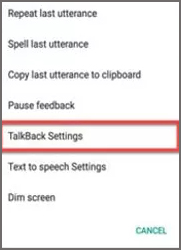
TalkBack-based FRP bypass methods were once extremely popular because they didn't require a computer, cable, or APK installation. Instead, users relied on accessibility gestures to open apps like YouTube, launch the browser, and eventually reach the Settings menu to add a new Google account.
However, while these techniques used to work on older Samsung models and early Android versions, they are now almost entirely patched on the Samsung A12.
![talkback settings]()
Why TalkBack Bypass Used to Work?
TalkBack is an accessibility feature designed to help visually impaired users navigate the device. Early Android builds allowed certain gestures, menus, or voice commands that unintentionally created pathways to:
- YouTube
- Web browser
- Device settings
- Google Account Manager
Once any of these were accessible, bypassing FRP became much easier.
Can TalkBack Still Work Well on Samsung A12 Firmware?
To give a clearer picture, here is the general compatibility trend:
- Android 10 (early builds): Occasionally works
- Android 11 (later patches): Mostly patched
- Android 12 & 13: Fully patched—TalkBack routes are blocked
- 2023–2025 security updates: No viable TalkBack bypass known
If your Samsung A12 has been updated within the past few years, TalkBack methods are extremely unlikely to bypass FRP.
Samsung A12 FRP Bypass TalkBack Not Working?
Why TalkBack No Longer Works on Samsung A12? Starting from late Android 11 and continuing through Android 12 and 13, Samsung implemented multiple security layers that closed all known TalkBack loopholes. On a modern Samsung A12, you will almost always see the following limitations:
- 🔹TalkBack menus no longer include shortcuts that lead to YouTube
- 🔹Browser access is completely blocked during FRP setup
- 🔹Accessibility options cannot open system settings without prior authorization
- 🔹Voice commands cannot trigger external apps
- 🔹Multi-finger gestures are restricted at the FRP screen
In practice, this means most TalkBack-based video tutorials you see online are referring to outdated firmware from several years ago.
#5. Can I Bypass Samsung A12 FRP Without SIM Card?
Yes — it is completely possible to perform a Samsung A12 FRP bypass without a SIM card, and in fact, most modern FRP methods do not require one at all. Many users search for this because older Android devices (pre‑Android 9) occasionally used SIM-related exploits, but these methods are no longer relevant for the Samsung A12.
Which methods work without a SIM card? You can bypass FRP on Samsung A12 without a SIM card using any of the 5 major methods. A SIM card offers no advantage and is not required at any step.
Final Words
Bypassing FRP on a Samsung A12 can feel overwhelming, especially if you've forgotten your Google account or purchased a second-hand device that still shows the verification screen. While older Android loopholes once made FRP removal simple, most non-PC methods—such as APK tricks or TalkBack shortcuts—are no longer effective on newer firmware.
If you need a dependable and up-to-date solution, PC-based tools remain the safest and most reliable option, offering a higher success rate across various Android versions and security patches. Whether you choose a user-friendly utility like EaseUS MobiUnlock for Android or a more technical tool like SamFw FRP Tool, make sure to use FRP bypass methods responsibly and only on devices you legally own.
Ultimately, understanding the limitations of outdated approaches will help you choose the right method and regain access to your Samsung A12 more efficiently.
FAQ
1. What is FRP on the Samsung A12?
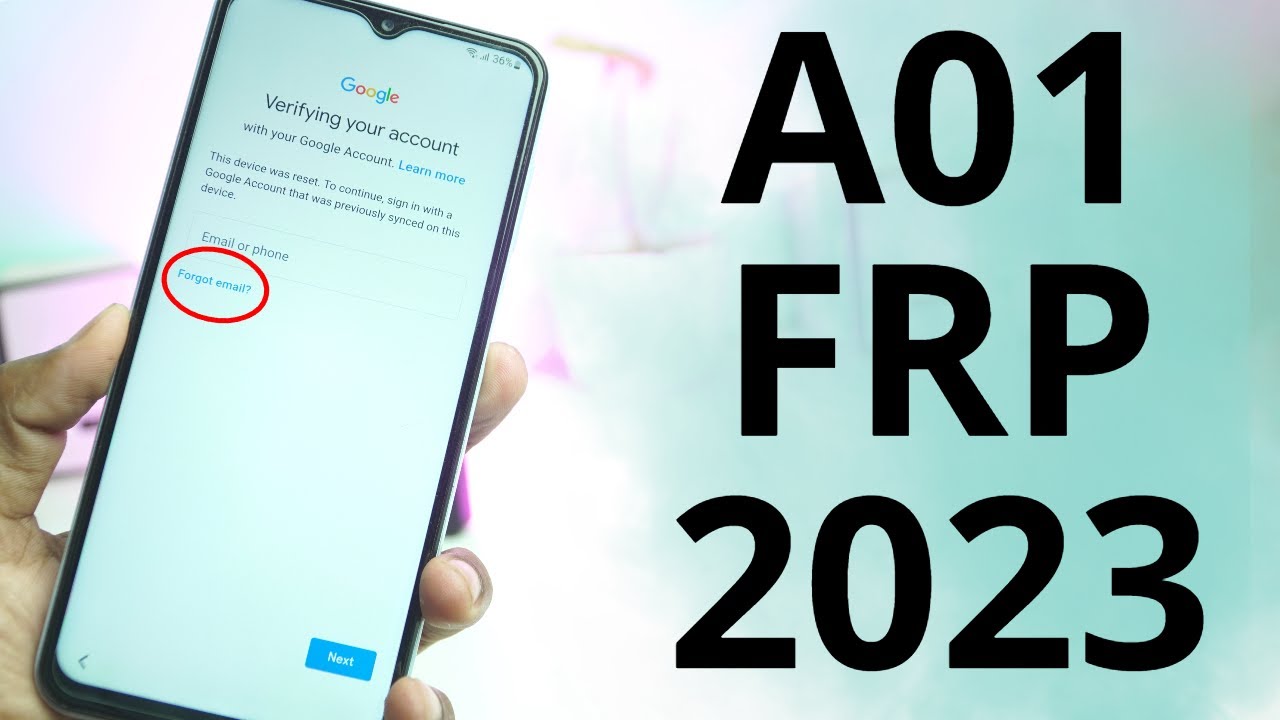
Factory Reset Protection (FRP) is a Google security feature that prevents unauthorized access after a factory reset. When FRP is active, the device requires the previously synced Google account before setup can continue.
2. Is it legal to bypass FRP on a Samsung A12?
Yes—only if you own the device or can provide proof of purchase. Bypassing FRP on someone else's phone or without authorization is illegal.
3. What is the most reliable method to remove FRP on Samsung A12?
PC-based tools such as EaseUS MobiUnlock for Android or SamFw FRP Tool offer the highest success rate and better compatibility with newer firmware.
4. Will factory resetting my Samsung A12 remove FRP?
No. A factory reset does not disable FRP. The device will still request the previously synced Google account during setup.
5. Can FRP be removed on Android 12 or 13?
Yes, but only through supported PC tools or official Google/Samsung account recovery steps. APK and TalkBack paths no longer work on these versions.
6. Do You Need a SIM Card to Bypass FRP on Samsung A12?
No.
A SIM card is not required for:
- PC-based bypass tools
- APK-based bypass tools
- Google account login screens
- WiFi connection
- Samsung activation steps
A SIM card simply provides mobile network access, which is irrelevant for most FRP unlock techniques.







 NEW
NEW HOT
HOT
